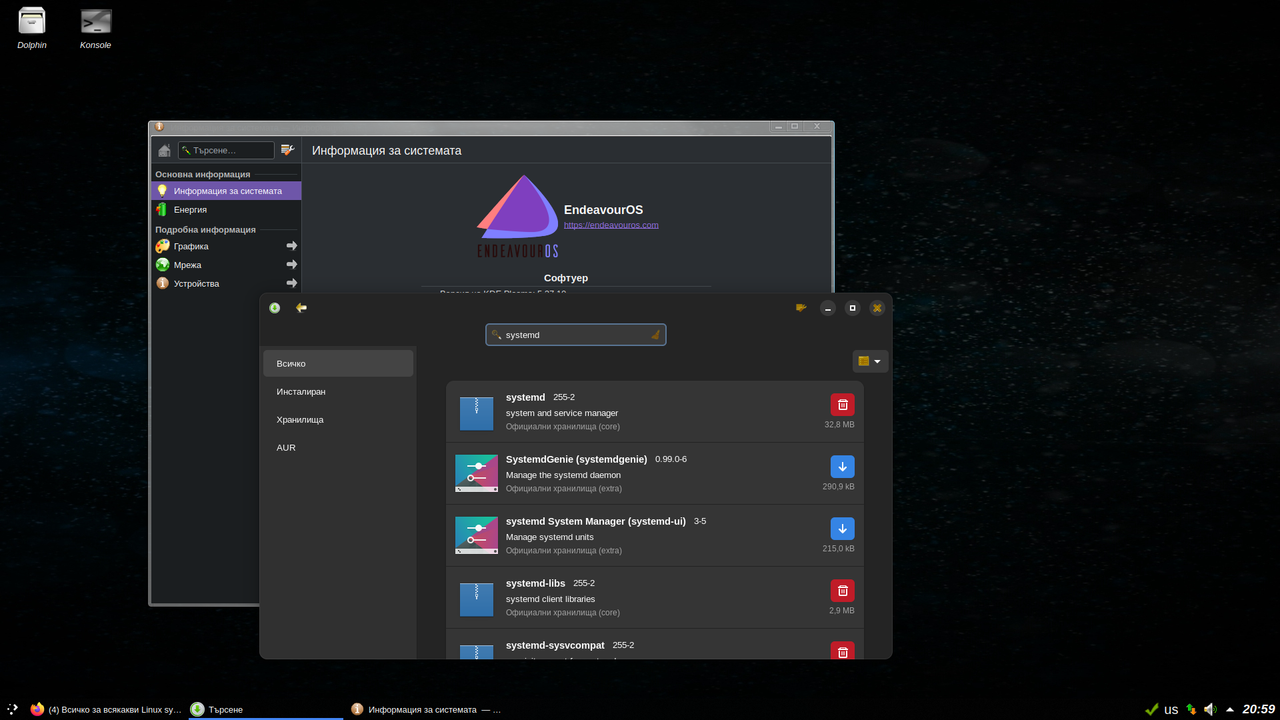
Валсо написа: Сря Дек 20, 2023 23:24
Значи или не са си ъпдейтнали инфото в страницата, или лъжат. Но то е все тая, така или иначе ще даунгрейдна и systemd, ако ОС се представи както трябва на реалната машина.
Bard знае 'сичко  Аз:
Аз: Is it true that the init system of EndeavourOS is runit?
Бард: No, it is not. EndeavourOS uses systemd as its init system.
Аз: Has runit ever been an init system of EndeavourOS?
Бард: As far as I know, runit has never been the default init system of EndeavourOS. It has been offered as an optional init system since the early days of the distribution, but systemd has always been the default.
Аз: How can I choose runit as an init system during EndeavourOS installation?
Бард: To choose runit as the init system during the EndeavourOS installation, follow these steps:
1. Boot the EndeavourOS installer: Insert the EndeavourOS installation medium (USB or DVD) and boot your computer from it.
2. Choose your language: Select your preferred language from the available options.
3. Partition your disk: Select the appropriate drive for installing EndeavourOS and partition it according to your preferences.
4. Select the installation type: Choose Graphical Installation for a full desktop environment or Minimalist Installation for a more lightweight setup.
5. Choose your init system: When selecting the installation options, you'll see a choice of init systems. Select "Runit" from the available options.
6. Proceed with the installation: Once you've selected runit, you can proceed with the installation process. Follow the on-screen instructions to complete the installation.
Once the installation is finished, EndeavourOS will boot into runit as the default init system.
Валсо, ти си наред да пробваш, че на мен 2 Арча ше ми дойдат вече прекалено много ...